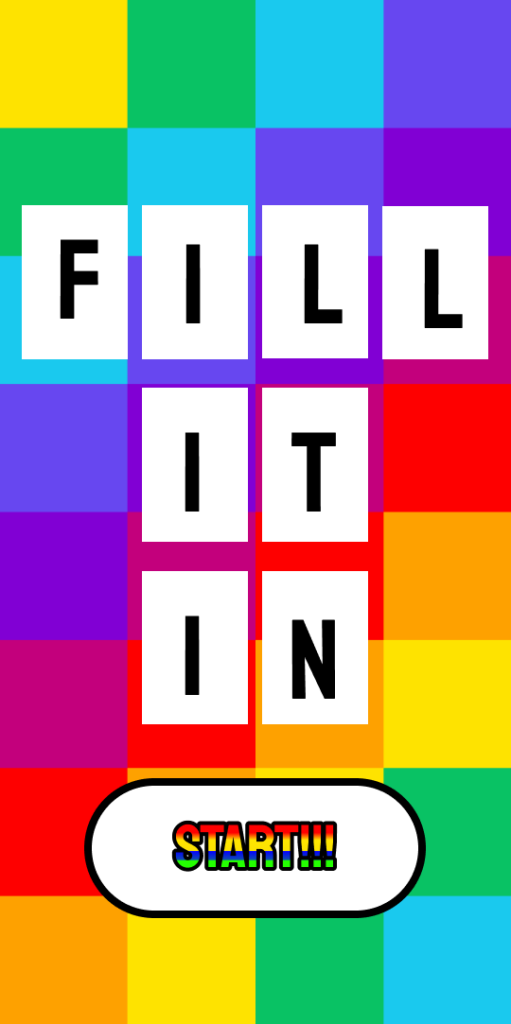
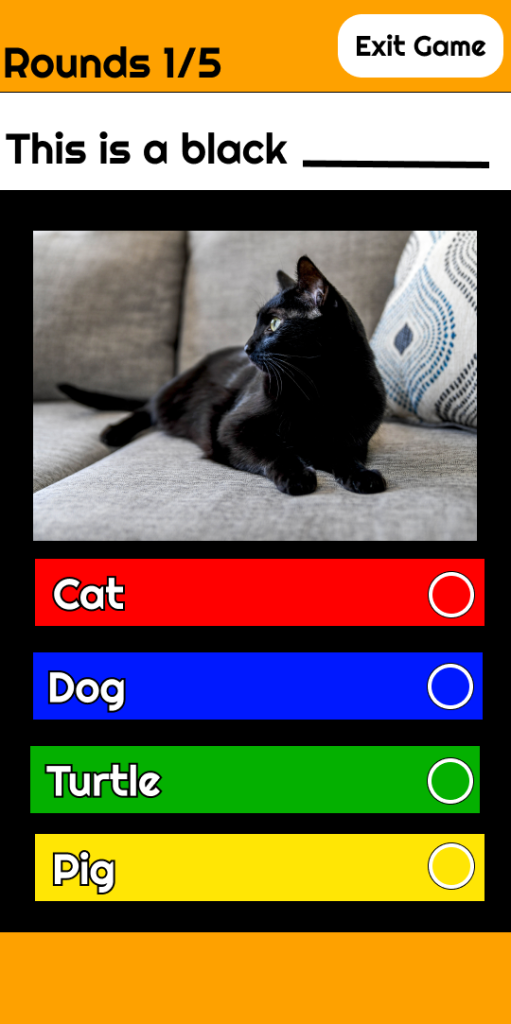
DMA370_Project 3_Game App Design

Link:https://www.figma.com/design/948BILMpiJ4xbzm6rgzGMS/Project-3_GAME-DESIGN?node-id=0%3A1&t=BYsz4OST5RVJDHYc-1

1. What did you learn?
I learned how mobile games are created and how we navigate the limitations of the mobile devices to make the game.
2. What was easy?
The easy part utilizing my previous design from the class. Since, I already had the website laid out in Figma.
3. What was challenging?
The challenging part trying to make components, variants, and auto layout for the game. Since, it was tricky making everything a component, variant, or using auto layout to make sure everything looked right.
4. How could your submission be improved?
My submission could improve if I would have asked for more help with understanding the limitations of mobile devices.
5. How could the professor improve the assignment for the next class?
I have no suggestions at the moment of how the professor could improve the assignment for the next class.
6. How might you apply your knowledge in future assignments or work scenarios?
I would apply this knowledge in future assignments or work scenarios by utilizing how design and user interface experience go hand in hand. And the coding that allows for these user interfaces to both function and be aesthetically pleasing.
7. How did a specific reading or video inspire or help you?
The specific reading that helped me was in class videos because the information in the videos I used as reference for this project.

Similar Posts

  • Project 1_To Do List App

    https://www.figma.com/file/LHyvTSnY17BAY1cupEgxHW/DMA217-project-1?node-id=18%3A6 1. What did you learn?I learned how apps are made and the fashion of UI design. 2. What was easy? The easy part was coming up with the idea(s) for a TODO app and how it will function. 3. What was challenging?The challenging part was to execute said idea and produce an effective and efficient…

  • Project 1_Digital Portrait, Photo Rasterize

    project1B_johns370.psd 1. What did you learn?I learned how we can use the tools and elements in adobe photoshop and illustrator to produce portraits. 2. What was easy?The easy part was coming up pictures and finding pictures of who I wanted to make a portrait of. 3. What was challenging?The challenging part was figuring out which method…

  • DMA370_Project 2_Website Design

    Link:https://www.figma.com/design/ocXkvHvdwp0rAGvc6lESek/Lab3-project2starter?t=BYsz4OST5RVJDHYc-1 1. What did you learn?I learned information about coding and how coding can create the user interfaces we use. Furthermore, the limitations and different types of coding there were from JavaScript to CSS. 2. What was easy?The easy part utilizing my previous design from the class. Since, I already had the website laid out…

  • DMA370_Project 1_Music Player App

    Link:https://www.figma.com/design/UoITeq88bIaSwLQ7FhK3W8/DMA370-Project1?node-id=1%3A2&t=BYsz4OST5RVJDHYc-1 1. What did you learn?I learned how to utilize and effectively compose colors and structure to create a music player. 2. What was easy?The easy part coming up with the color scheme and creating the design system. 3. What was challenging?The challenging part was applying that design system and utilizing those color schemes in order…

  • Project 2_Interactive Design

    Link:https://www.figma.com/design/vDx0rBRR1kATrWOXtFO6xh/Project-2_Interaction-Design?t=BYsz4OST5RVJDHYc-1 1. What did you learn?I learned the process of constructing and establishing websites and the differences of User Interface design of the mobile versus the desktop 2. What was easy?The easy part was utilizing the color scheme and being able to make the aesthetic of the website and mobile versions. 3. What was challenging?The…